
One receipt, different destinations
For example, a store receipt might contain the following purchases:
| Item | Amount | Assignment |
|---|---|---|
| Paint | $48 | Rental A; review the rental category |
| Door lock | $32 | Rental B; review expense or asset treatment |
| Household items | $40 | Personal |
Review the final item costs and any receipt tax or discounts in Cayn before saving. The paint, lock and personal items do not need to share a property or rental category.
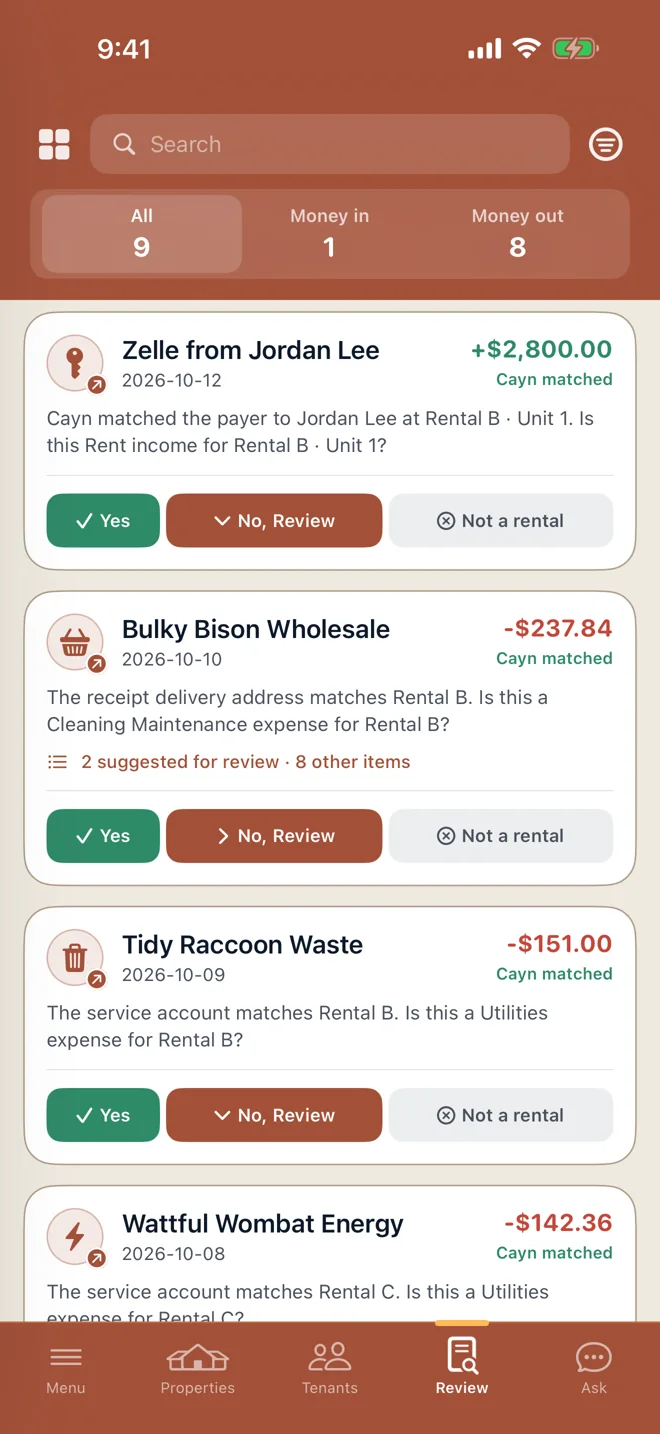
Review and save the rental items
- Open the receipt. Start from the transaction or an item suggested in Rental Review.
- Select the relevant items. Check which purchases belong to a rental and leave personal items out of the rental allocation.
- Choose the property and category. Choose the property, unit if relevant, and expense or asset category for each rental item.
- Check the costs and confirm. Review the amounts before saving them to the property records. Your confirmed rental items appear in the property records and Schedule E reports.
Less sorting when tax time arrives
Keep rental purchases organized by property and category, with the original receipt close at hand. Personal items stay separate, even when they were bought on the same trip.
You review the amounts and categories before saving. Tax deductibility depends on how a purchase was used and your circumstances.
Questions about rental receipt splits
Does assigning an item assign the entire receipt to that property?
No. Item-level rental allocations cover the selected items. Other items remain outside that allocation unless you assign them separately.
Can different items use different rental categories?
Yes. Rental item allocations can have their own categories. Review the proposed treatment before saving; some purchases may need asset treatment rather than an immediate expense.
Which plan includes property allocations?
Rental and Rental Plus include the rental workspace. Personal plans cover everyday finances without the property-allocation tools. Compare plans and current allowances.